
QR code generator and scanner
Beautiful QR codes. Pix that works.
Pix, Wi-Fi, WhatsApp, business cards, links and more. Pick a type, fill it in, and the QR appears as you type. All on your device, no account.


Three taps from zero to QR
- Pick a typePix, link, Wi-Fi, contact, WhatsApp… each with its own form.
- Fill it inThe QR redraws with every letter. What you see is what gets scanned.
- Share or printPNG, photo library, clipboard or the system share sheet.
Made for Brazil
Pix at the counter, no card machine.
QRMyCode makes the static BR Code defined by Brazil’s Central Bank, the same one banks read. Enter a CPF, mobile number or email, and the app checks the key and fits the name and city to the standard.
- Fixed amount, or blank so the payer enters it
- Pix Copia e Cola with a copy button
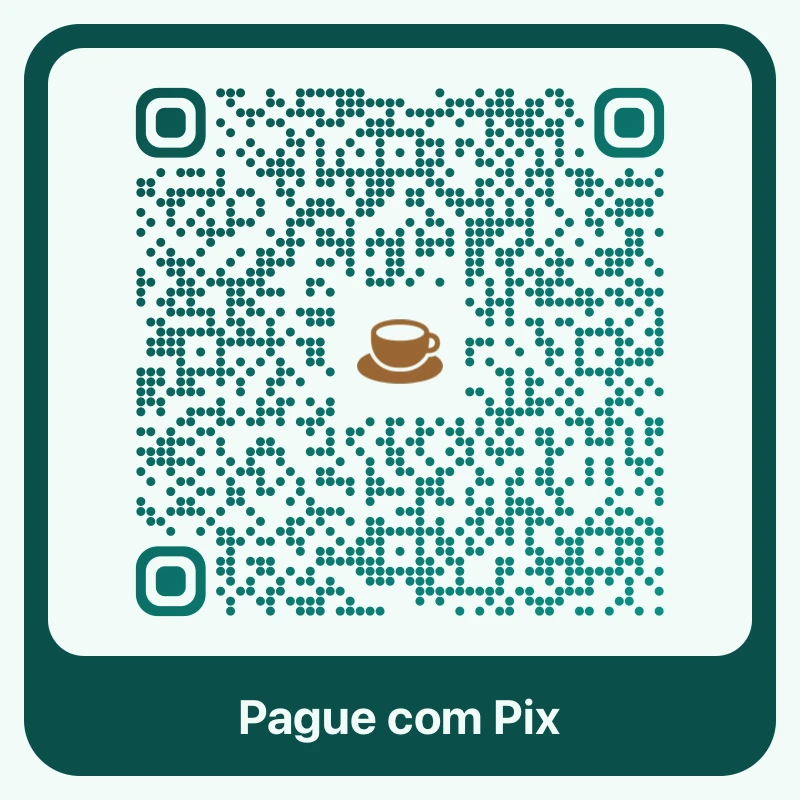
- “Pay with Pix” frame and print-ready A4 PDF (Pro)
Every type, free and unlimited
- Pix
- Link
- Wi-Fi
- Contact (vCard)
- Phone
- SMS
- Location
- Event
- Text
Before exporting, the app scans its own QR. If anything isn’t readable, it tells you.
Scanner included
Know what a QR does before you open it.
Point the camera: links open in the browser, Wi-Fi joins with one tap, Pix shows the amount and the code to paste into your bank app. Everything is read on your device, with a local history.
QRMyCode Pro: pay once, it’s yours.
No subscription, no watermark, no countdown timer.
- Colors, gradients and shapes for modules and eyes
- Your logo in the center of the QR
- Frame with text, without the QRMyCode branding
- SVG, A4 PDF and 4096 px PNG
- Folders and favorites in your history
- Scan a QR from a photo in your library
Nothing leaves your device.
No account, no login, no server, no ads, no tracking. Your QR codes and history stay on your iPhone or Android.
Frequently asked questions
Does the Pix QR work with every bank?
Yes. QRMyCode makes the static BR Code to the Central Bank standard, with the checksum (CRC) that banking apps verify. Test with a small amount before printing.
Will the QR ever stop working?
No. The QR holds the content itself, not a link to a server of ours. It works as long as the destination exists (the website, the Wi-Fi network, the Pix key).
Do I have to pay to create QR codes?
No. Every type is free and unlimited, with PNG export. Pro, a one-time purchase, unlocks styling, logo, frame, SVG, PDF and large PNG.
Does it work offline?
Yes. Creating, scanning and exporting all happen on the device. The internet is only used by the store when you buy Pro.
I bought it on iPhone. Does it work on Android?
No: purchases are made per store, App Store or Google Play. On the same kind of device, use Restore purchase.